

Toolvai
Coming soonToolvai is one Windows workspace that holds a set of small tools for everyday production work — splitting bundle sheets, sorting folders, flipping and resizing images, making slideshows, and driving Illustrator. Open several at once in tabs; each keeps running in the background.
What's included
6 tools ship inside Toolvai.
 Bundle Split
Cut a bundle sheet into separate, ready-to-use designs. Works on plain or transparent backgrounds.
 File Organizer
Sort a messy folder into tidy folders by file type, copy or move, with undo.
 Image Flip
Flip or rotate many images at once and convert their format. Phone photos keep the right orientation.
 ResoFix
Set the print DPI of PNG and JPG files without touching the pixels.
 Slideshow
Turn images and videos into an MP4 with collages, effects, transitions and music.
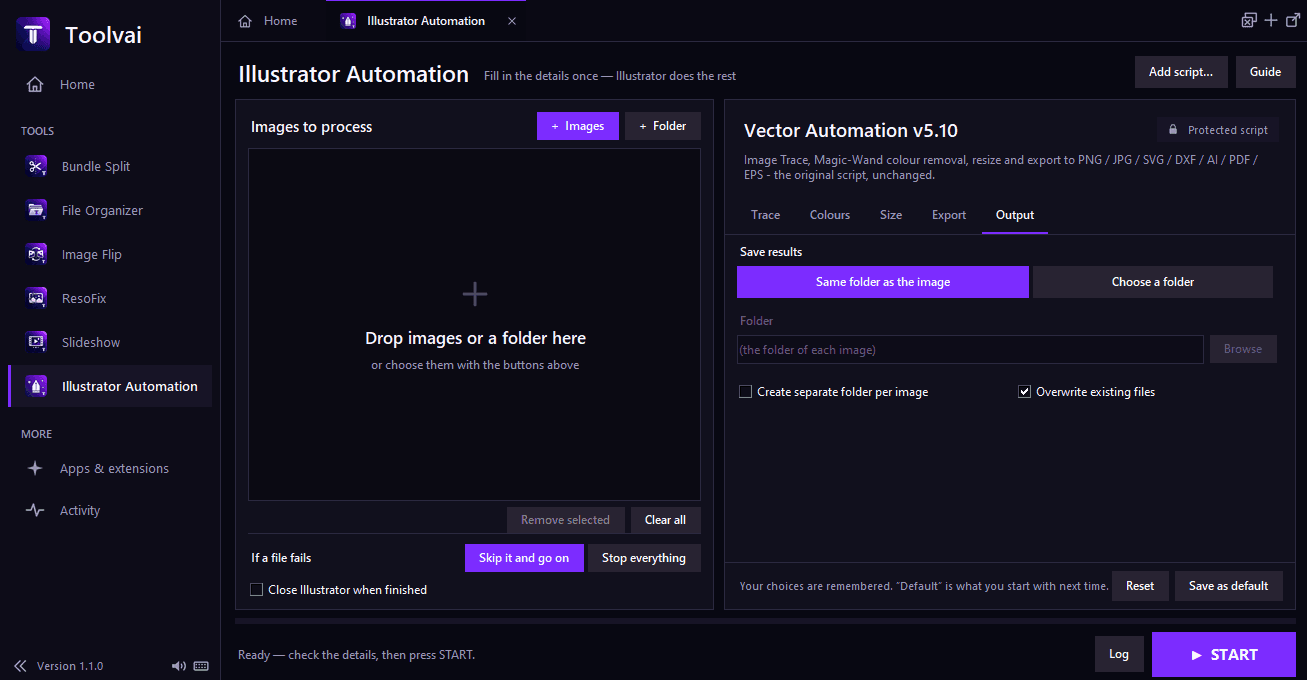
 Illustrator Automation
Fill in the details, press Start, and Illustrator does the work: image trace, colour removal, resize and export to PNG, JPG, SVG, DXF, AI, PDF or EPS. Needs Adobe Illustrator.
What it does
- Every tool in one sidebar, each with its own remembered settings
- Tabs and separate windows: run several tools at once, even two copies of the same tool
- Live progress on each tab and an Activity page for everything running
- A soft chime when a task finishes, with a mute button
- Drag and drop files or folders onto any tool
- Keyboard shortcuts for opening, switching and closing tabs
- Your open tabs and sidebar are remembered next time
- An Apps & extensions page for other Toolvai downloads